Legacy Assembly - Task 8: Software Setup
Preparation
Assembly time
30 minutes
Tools needed
- external computer with a SD card slot
- microSD-SD adapter
- 4mm hex-head key
- microSD card extraction tool (3D-printed, provided)
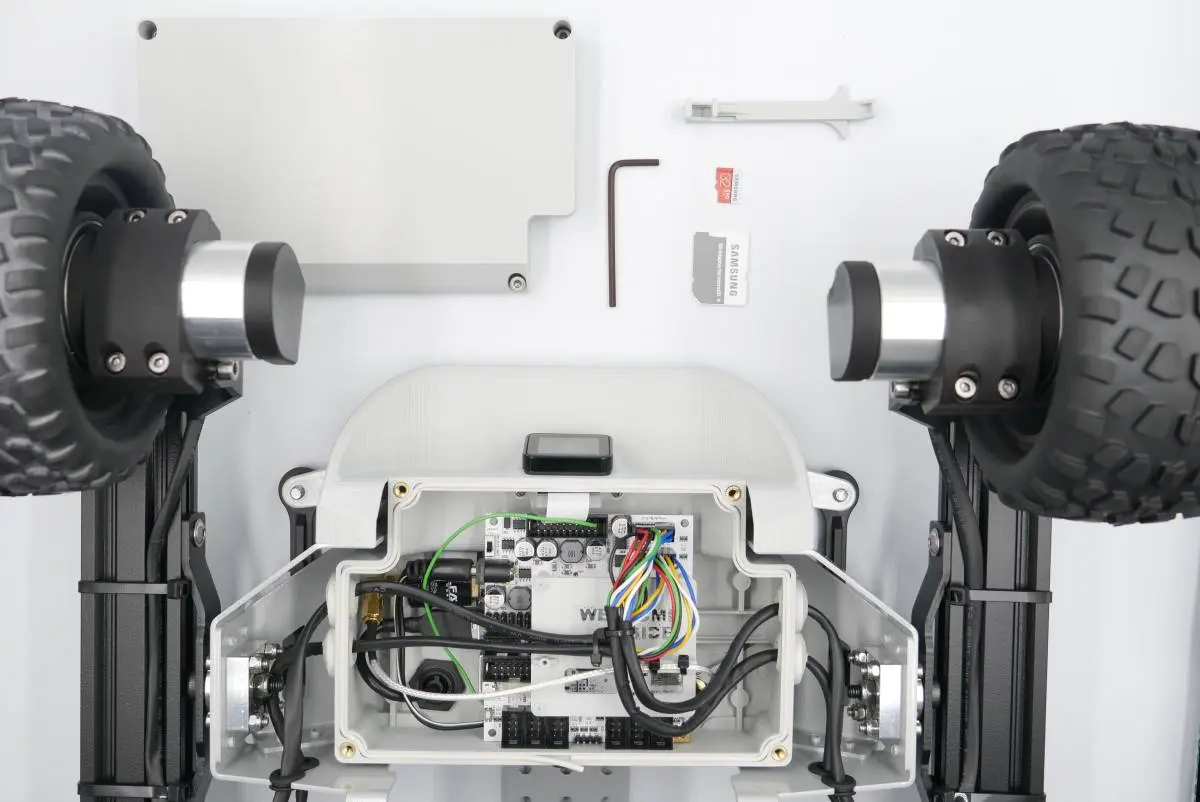
Step 1: Burning the software image
Prepare:
- microSD card
- microSD-SD card adapter
- external computer with a SD card slot
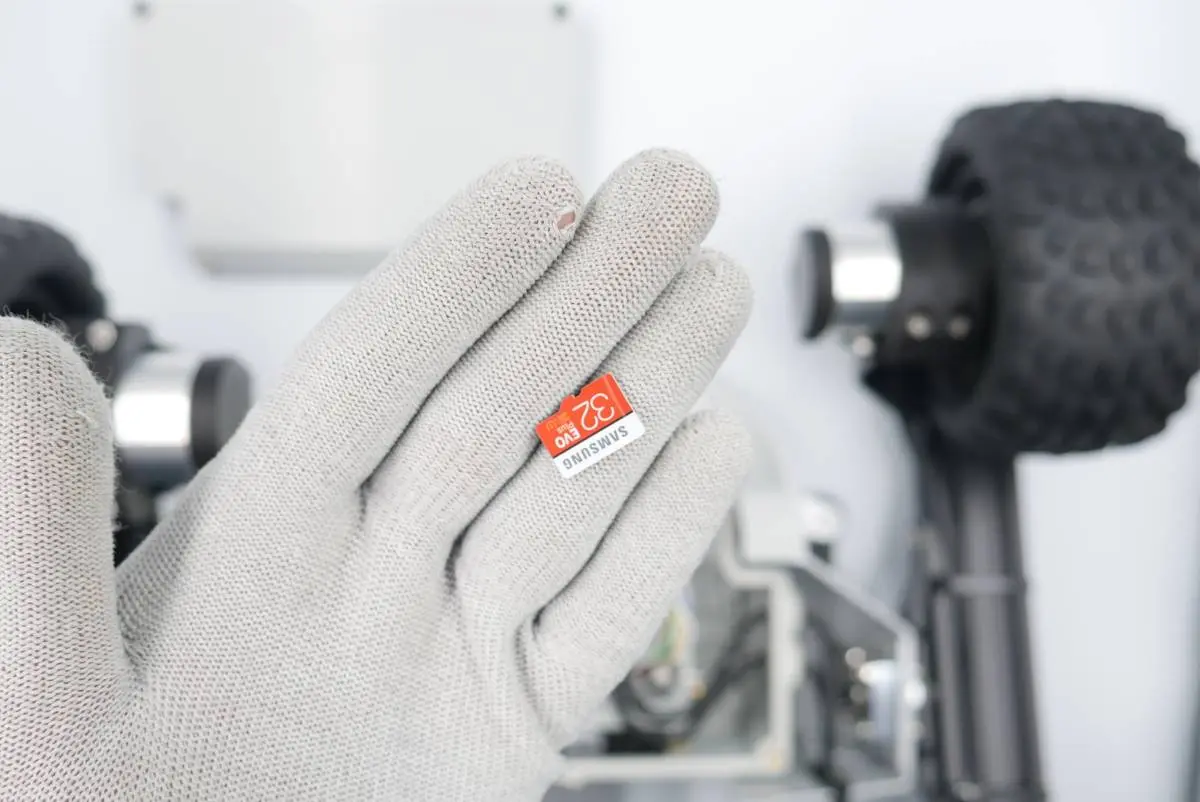
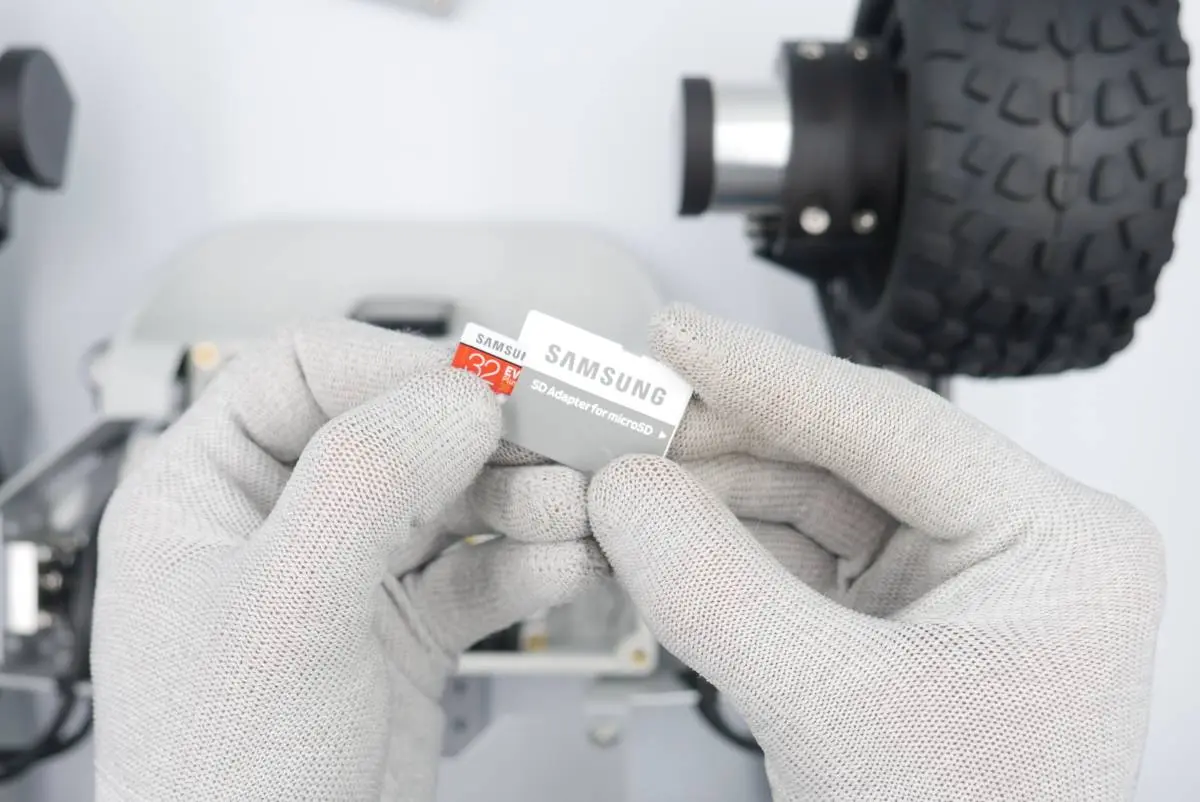
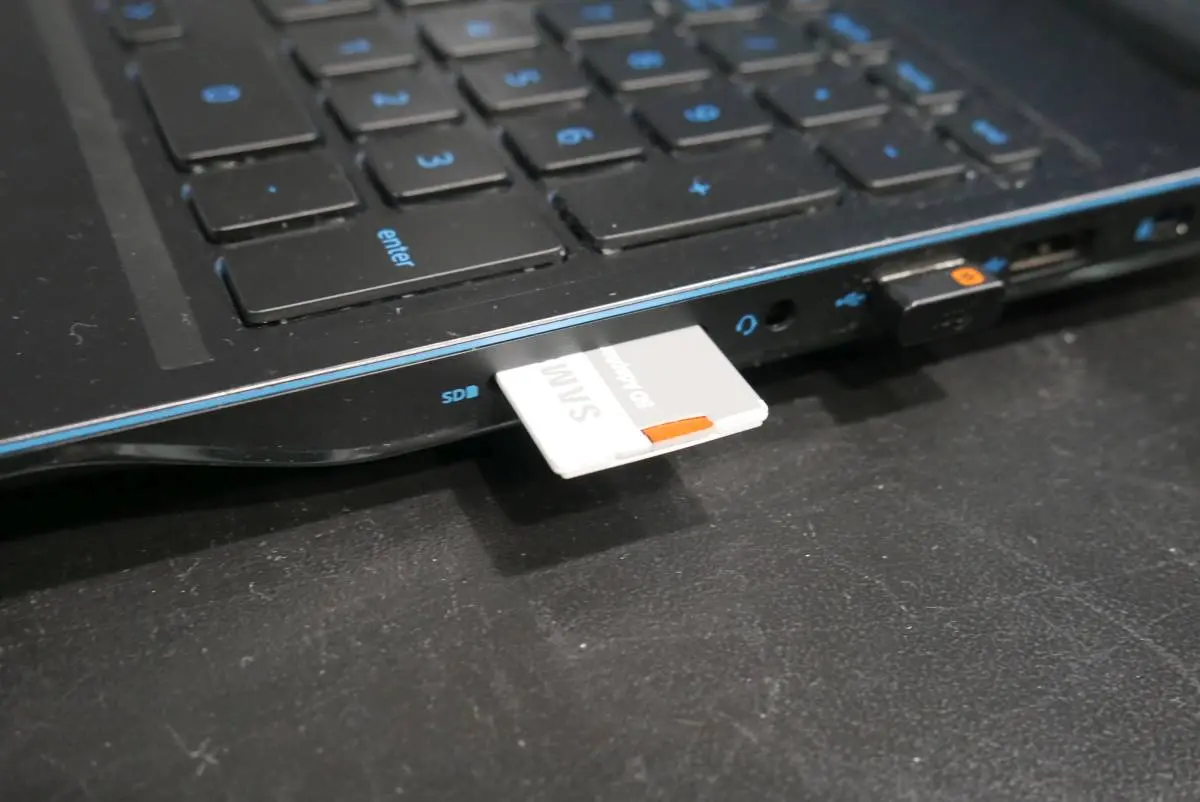
Follow tutorial below to burn software image to the microSD card:
📄Software update
A guide to updating your Leo Rover by flashing the latest LeoOS image to a microSD card using tools like Etcher or command-line utilities.
Step 2: Inserting the card
Prepare:
- Task 7 assembly
- microSD card extraction tool
- Step 1 microSD card
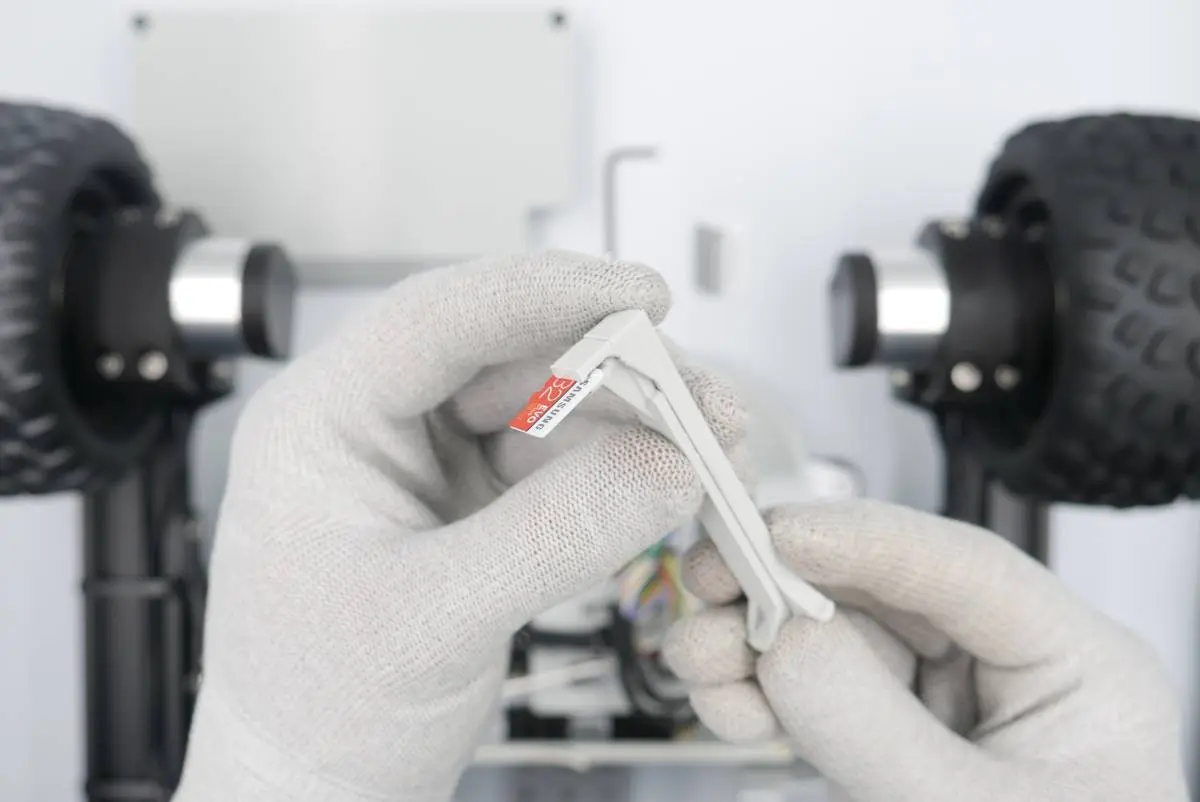
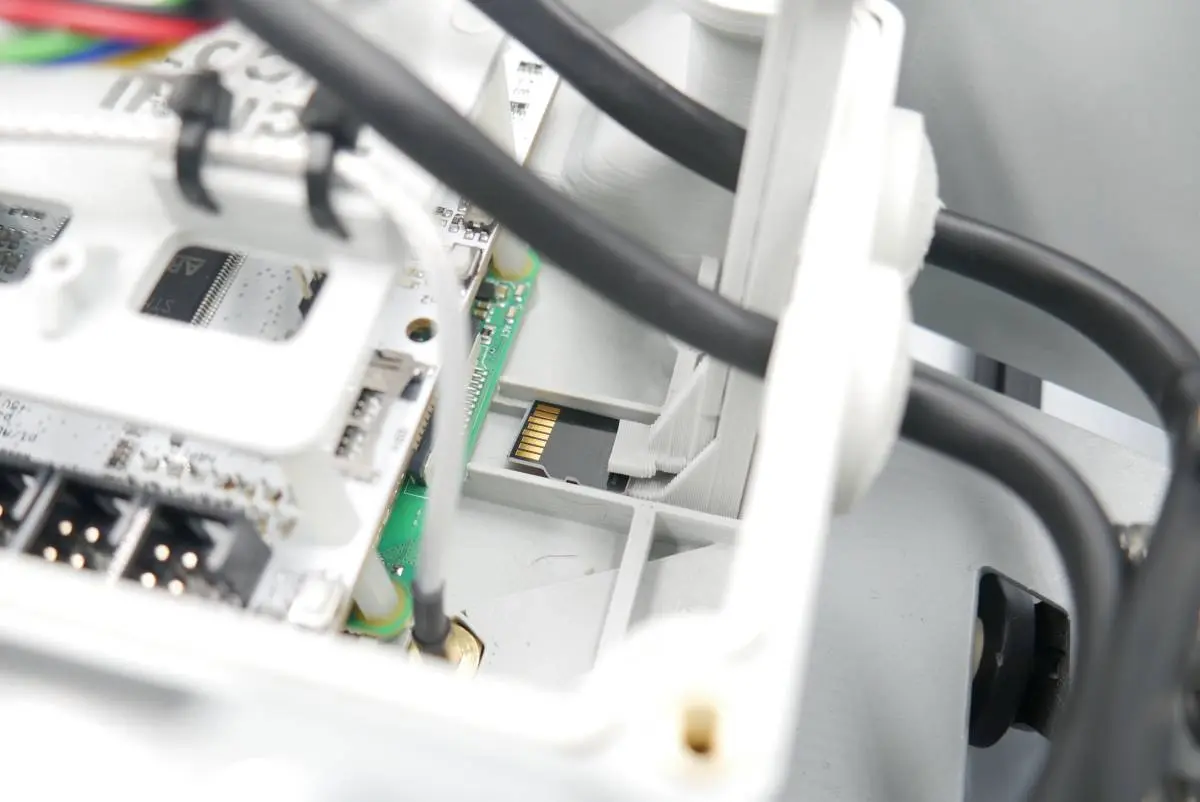
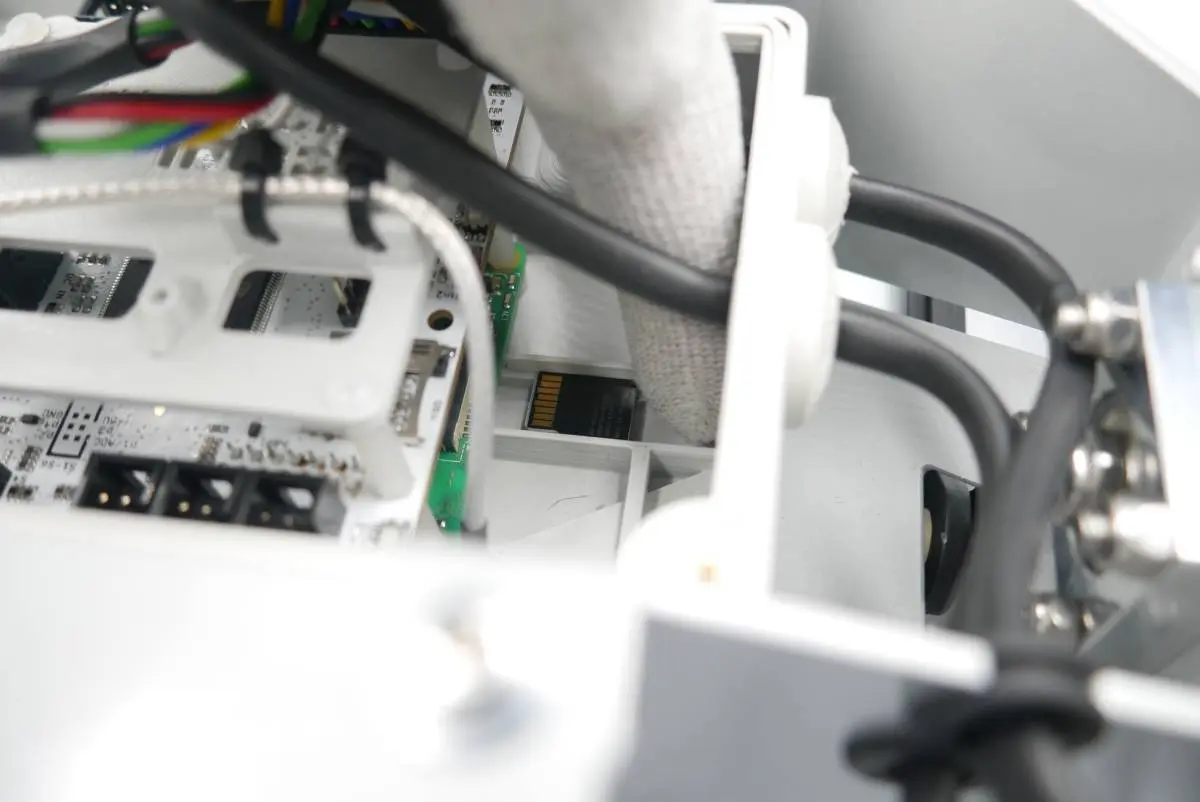
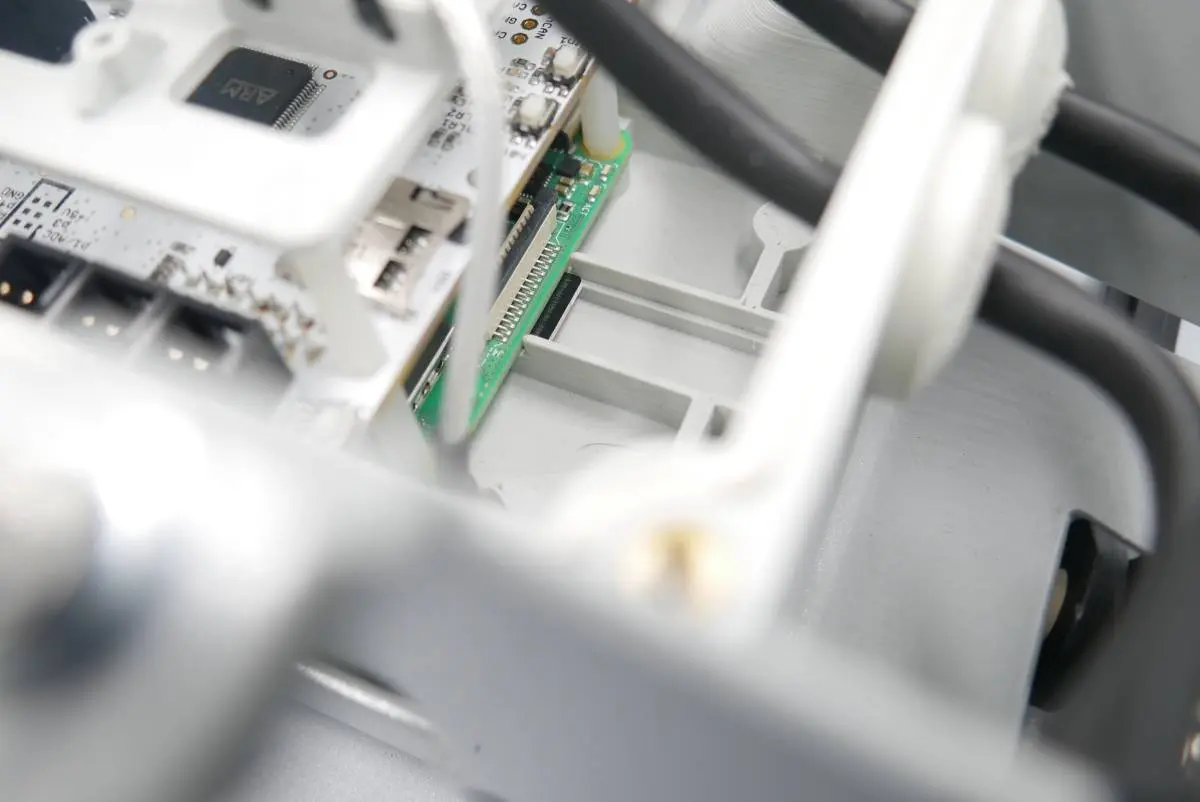
Step 3: Turning the controller on
Prepare:
- Step 2 assembly
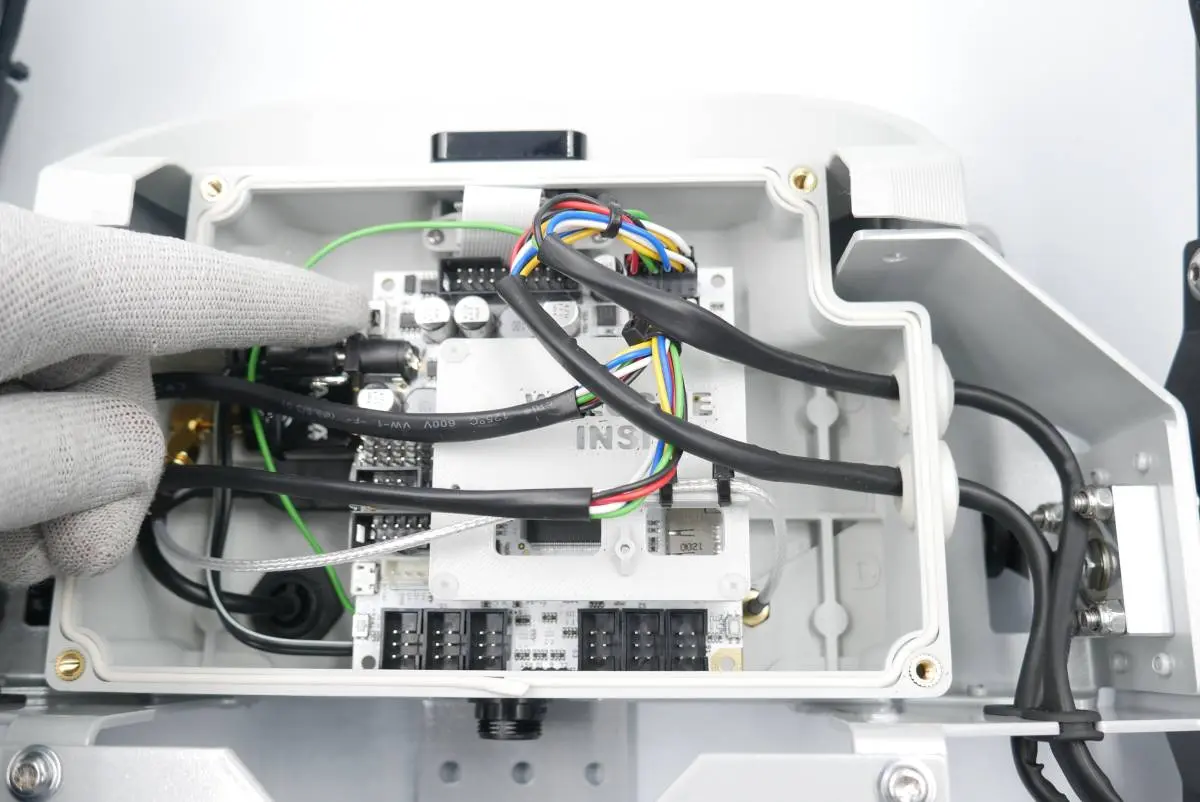
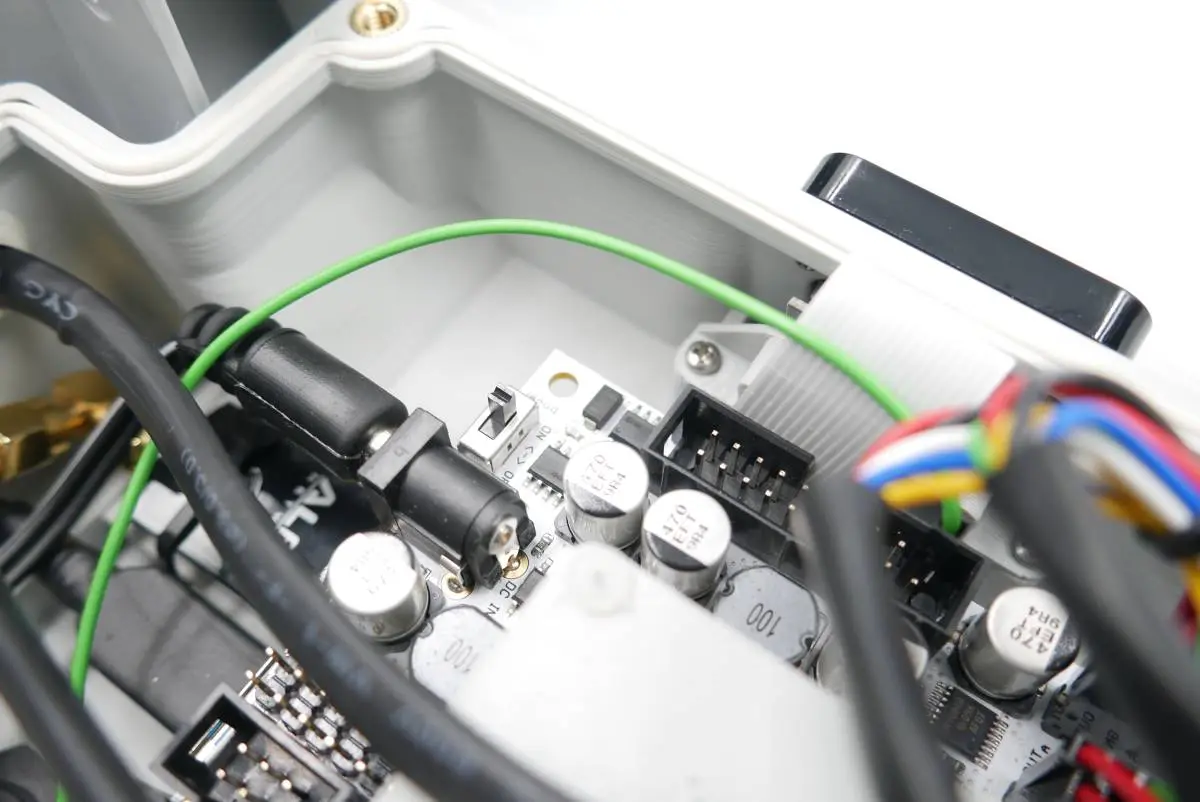
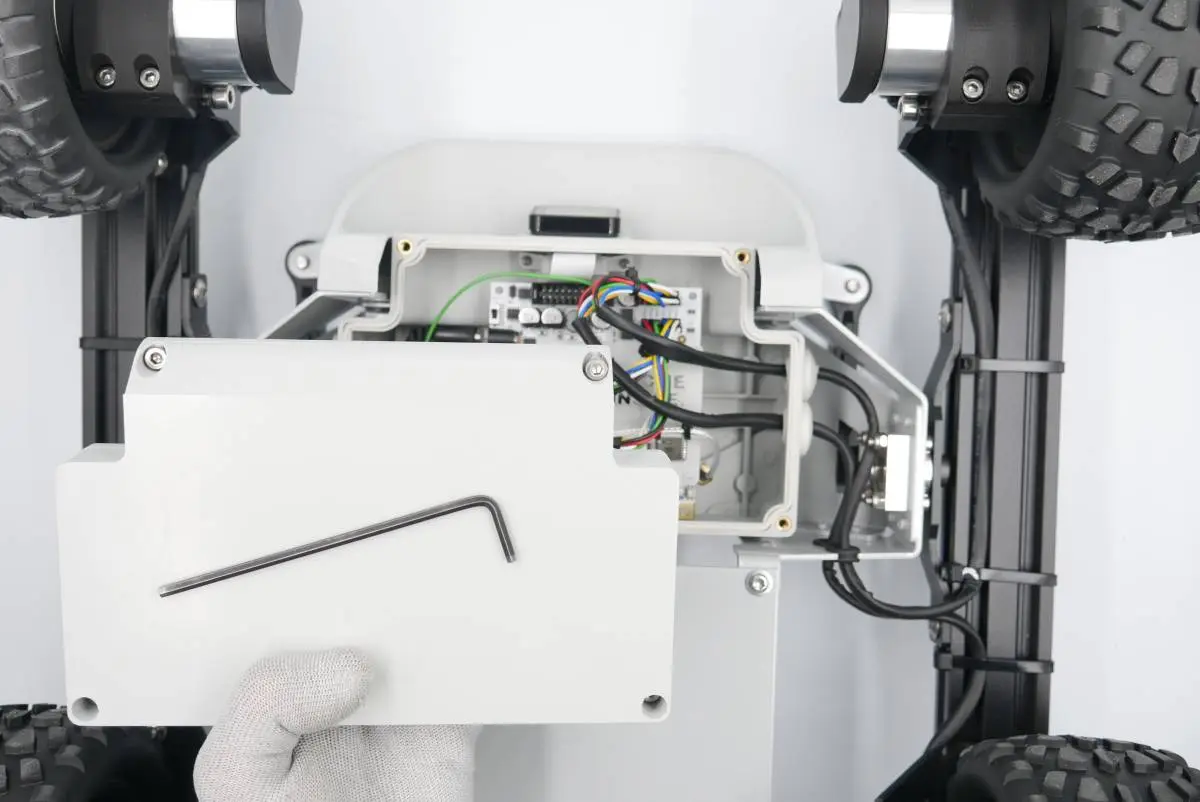
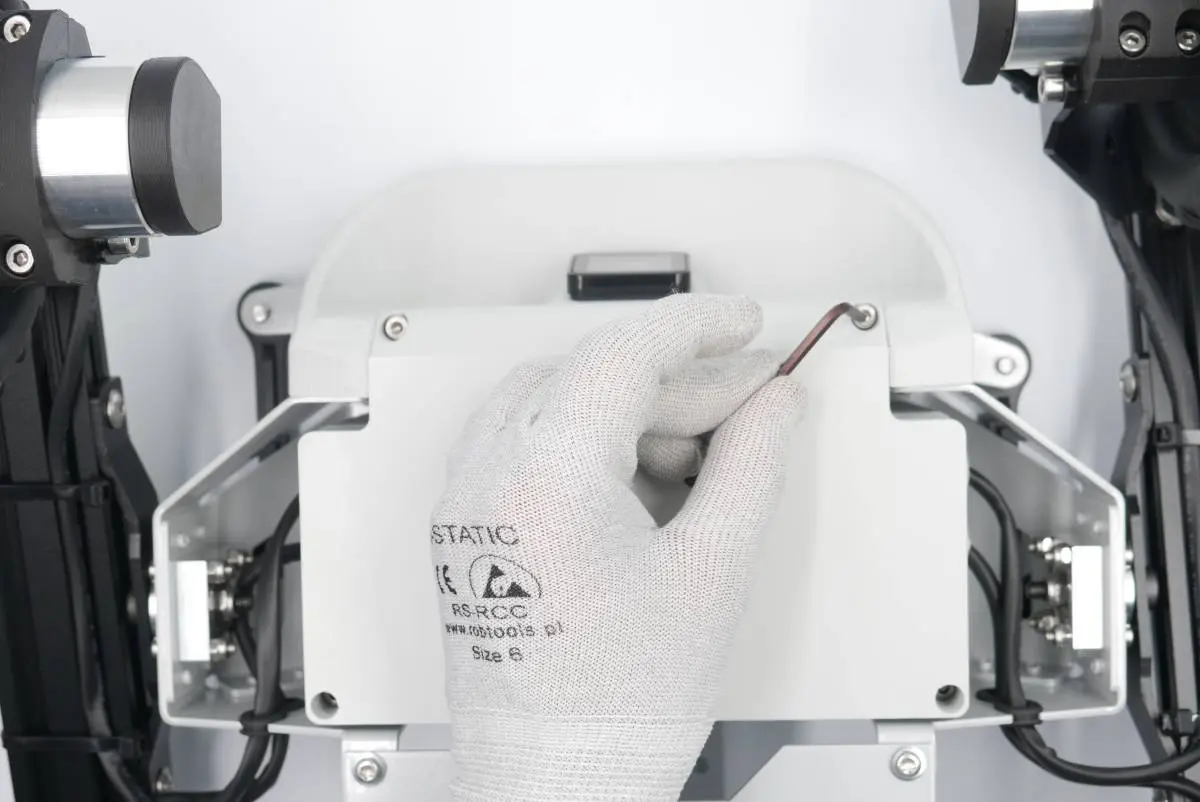
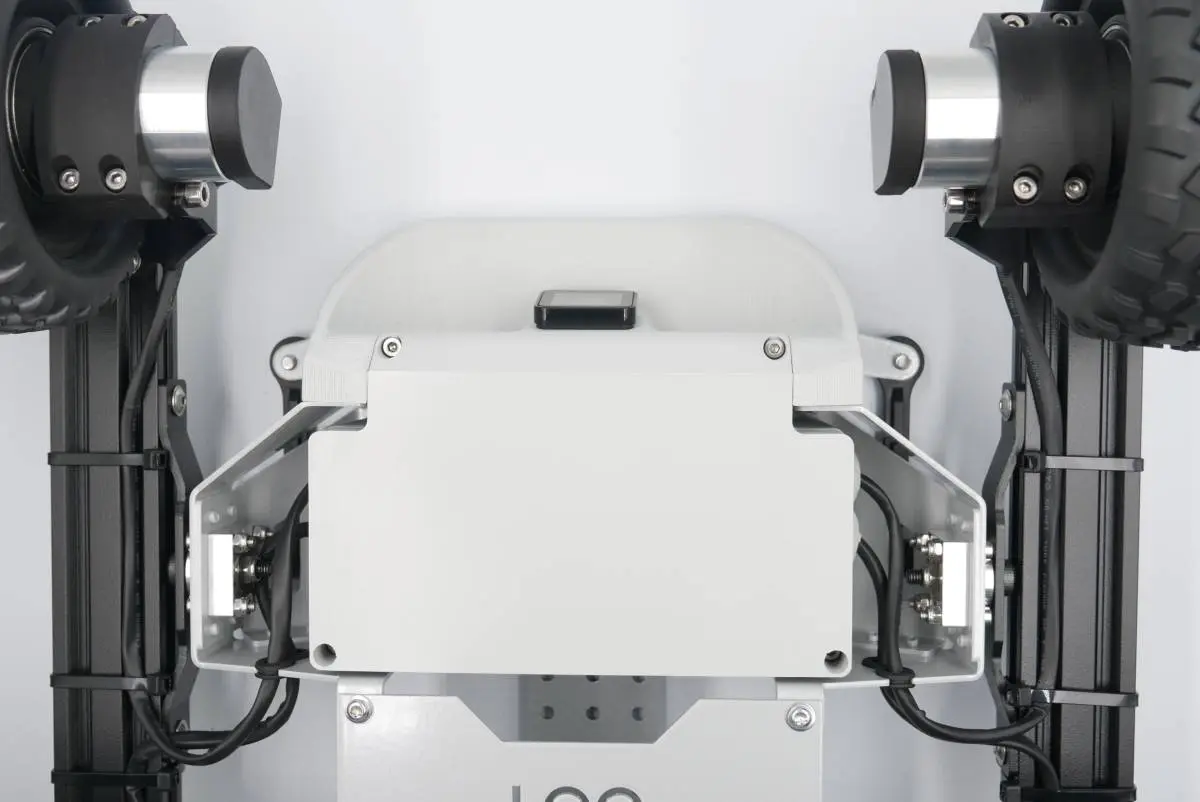
Step 4: Assembling the MEB cover
Prepare:
- Step 3 assembly
- Task 6 MEB cover assembly with screws
- 4mm hex-head key